Is There a Completely Free Planner App? Top Choices

20% off on product page · save $1.00
Is There a Completely Free Planner App? Top Choices

Yes, you can use a planner app for free
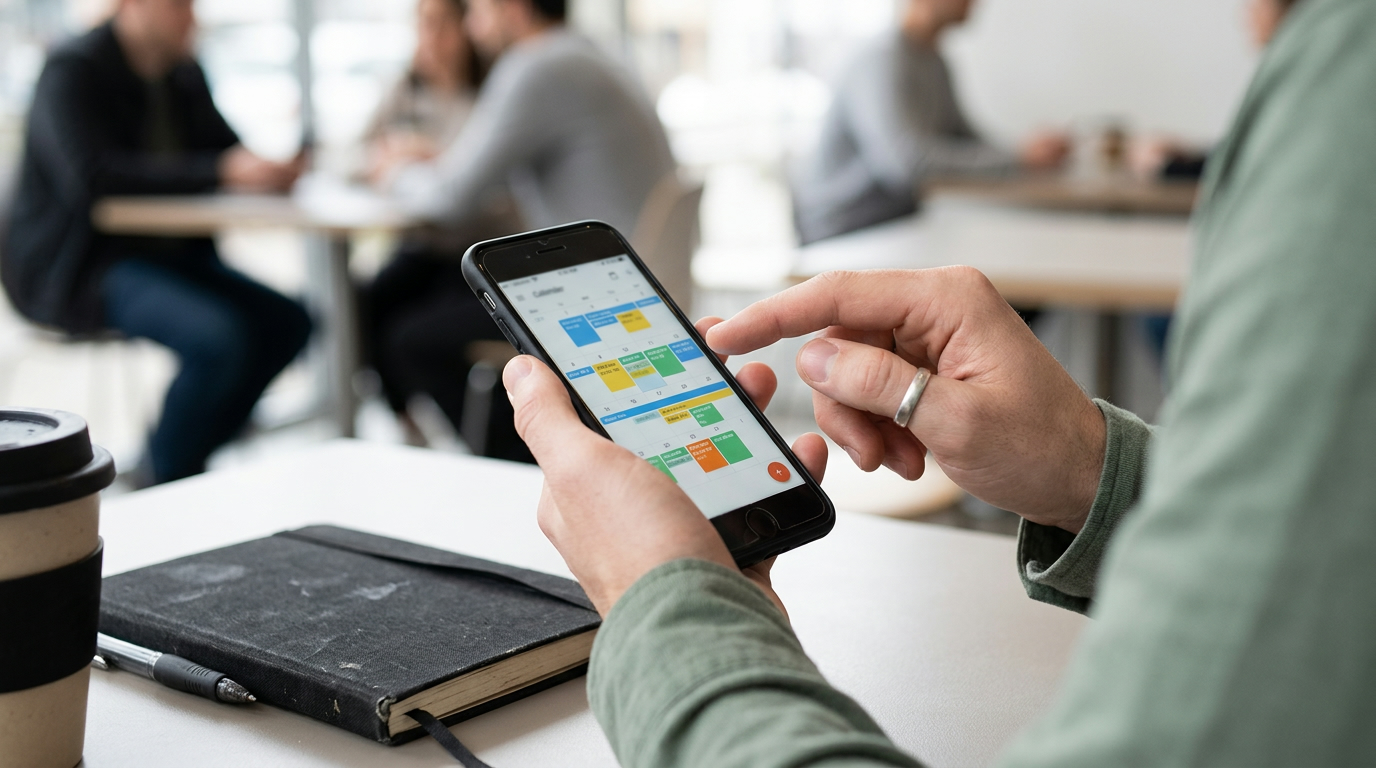
Google Calendar is a free option for personal use with a Google account, and Microsoft To Do is another free choice for organizing tasks and simple lists. Both can help you plan without buying a subscription, although they serve different purposes: Google Calendar centers on dates and events, while Microsoft To Do focuses on tasks.
Before choosing an app, think about what you want to plan and whether a calendar, a checklist, or a combination of both feels most useful. Some apps offer free basic tools alongside optional paid plans, so “free to download” does not always mean every feature is free.
Choose a free app that fits your routine
If you want to see appointments and commitments across a week or month, start with Google Calendar and add a few events you already know about. You can also set aside time for activities you tend to overlook, such as a weekly planning session or a quiet break.
If your main challenge is remembering what to do, try Microsoft To Do and create separate lists for personal tasks, work, and errands. Keep your first lists short and add items as they come up, rather than trying to build a perfect system on day one.
Check the product’s listed specifications when evaluating choose a free app that fits your routine.
Featured in this guide
Monthly Planner for Self-Discovery | Printable Monthly Planner for Self Discovery Checklist for Personal Growth & Mindfulness
Pair digital planning with reflection
A free app can be useful for keeping dates and tasks together, while a printable planner offers another way to approach the personal side of planning. Our Monthly Planner for Self-Discovery is a printable monthly planner and checklist centered on personal growth and mindfulness, making it an option if you also want space in your routine for self-discovery.
You might use an app for appointments and a printable checklist for the reflections you want to revisit during the month. For more ideas on bringing these approaches together, read our guide to monthly planning for self-discovery and a gentle routine.
Start without overcomplicating your plan
Our team suggests choosing one free tool first and using it for a week before adding another part to your system. Enter your essential commitments, note a few priorities, and notice whether you naturally return to the app when you need it.
If you miss a day, you can return to your plan without trying to reconstruct everything you did. The most useful planner is one that gives you a clear place to begin again, whether you prefer a digital calendar, a task list, or a printable page.

Watch · product page video
“This planner has been an amazing tool for my personal growth journey. I’ve discovered so much about myself and it’s only been a month. 🙌”
Allurete product page · Product review
FAQ
What is a completely free Planner app?
Microsoft To Do is a free app for creating task lists and organizing what you need to do. Google Calendar is also free for personal use and is a practical choice if you primarily want to plan events and appointments.
Is Google calendar totally free?
Google Calendar is free for personal use with a Google account. Google also offers paid Google Workspace plans for organizations, so a business account may be part of a paid plan.
See if Monthly Planner for Self-Discovery | Printable Monthly Planner for Self Discovery Checklist for Personal Growth & Mindfulness fits your setup













Leave a comment