4-in-1 60W PD USB-C Cable: What to Check Before Buying

64% off on product page · save $45.91
4-in-1 60W PD USB-C Cable: What to Check Before Buying
Two labels, two different decisions
If you want one cable for several charging setups, our 4-in-1 60W PD USB C Cable may be worth considering. The labels answer different questions: 4-in-1 describes connection flexibility, while 60W is the cable’s stated power rating. Neither tells you how quickly your device will charge.
Before you choose, identify the ports at both ends of each connection you plan to use. Then compare your device’s charging requirements with your charger’s output. That short exercise matters more than the largest number on the cable.
Where a 4-in-1 Cable Can Help
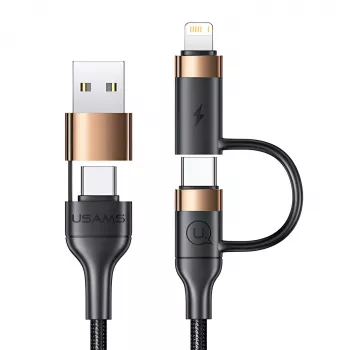
The practical appeal of a 4-in-1 cable is having multiple connection options in one item. If you regularly encounter different ports, one multi-connection cable may be easier to keep handy than several separate cables. That can be useful beside a charger shared by household members, at a desk with changing devices, or in a bag packed for a trip.
Start by comparing the available connector combinations with the ports on your devices and chargers. Look at the complete path you intend to use, not just the connector that fits your device. A cable can only help when its charger-side and device-side connections both suit the equipment you have.
It’s also worth treating each connection option separately when you evaluate charging performance. The presence of several connectors does not mean every possible pairing supports the same power level or features. If a particular device needs USB PD for its preferred charging mode, make sure the charger, device, and intended cable connection support that use.
Featured in this guide
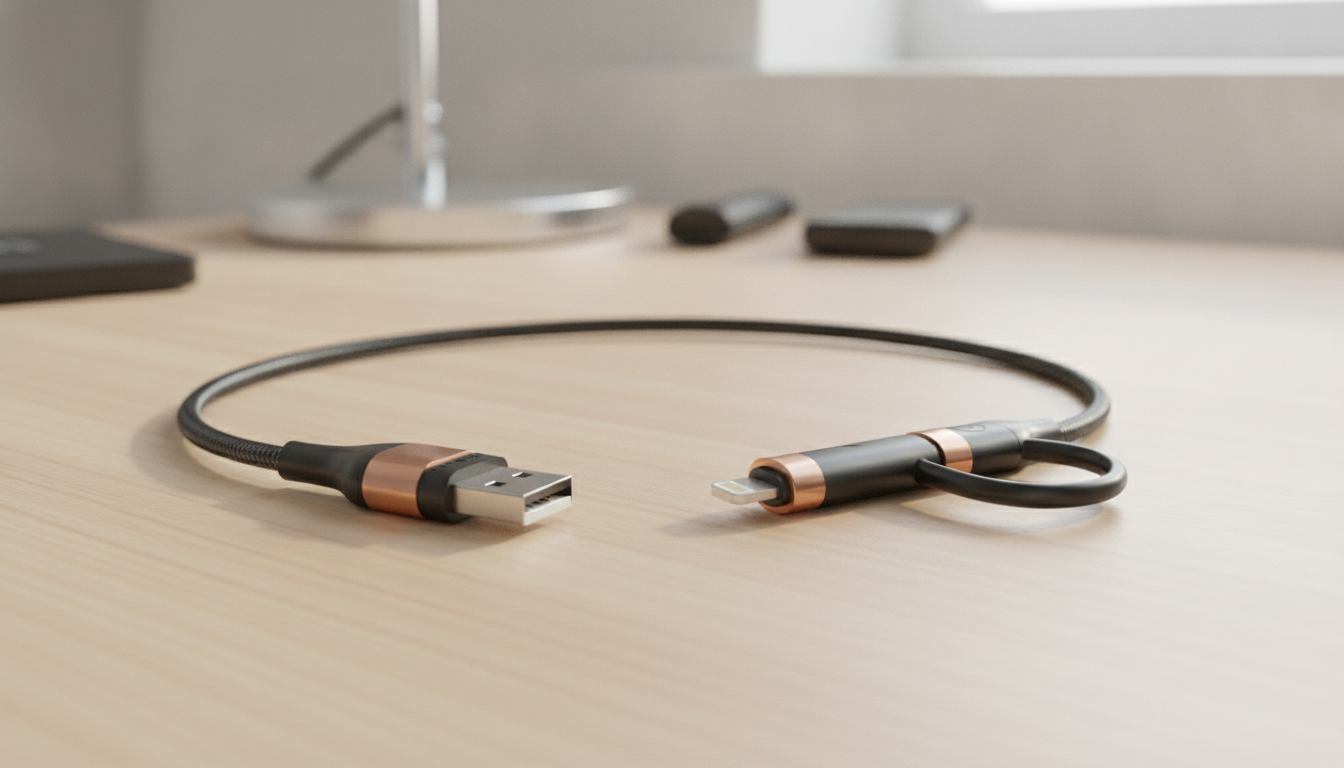
4-in-1 60W PD USB C Cable
Where multiple connections help
Begin with the device’s charging requirements. Find out whether it supports USB PD and what power input it accepts. Then look at your power adapter’s supported outputs. A cable cannot add PD capability to an adapter that does not provide it, and an adapter with insufficient output can limit charging even when the cable is rated for more.
Next, compare the intended connection with the cable’s rating. If your device accepts less than 60W, a 60W cable rating is a ceiling, not an instruction to deliver the full amount. If your device calls for more than 60W for its fastest supported charging mode, choose a cable rated appropriately for that mode rather than assuming any USB-C cable will do.
What to check in a charging setup
| Part | Question to ask | Why it matters |
|---|---|---|
| Device | Does it support USB PD, and what input does it accept? | The device determines the power it can use. |
| Charger | Does its output support the device’s needed PD level? | A lower-output charger can limit charging speed. |
| Cable | Is its power rating suitable for the intended connection? | The cable must support the power passing through it. |
| Connectors | Do both ends fit the intended ports? | The rating only helps if the connection works for your setup. |
For example, a device that accepts 30W does not need to charge at 60W to benefit from a suitably rated cable. On the other hand, pairing that same cable with a charger that cannot provide the device’s preferred PD output may result in slower charging. Checking all four parts is more reliable than shopping by the largest number printed on one component.
Make the fit decision
First, find your device’s accepted charging input and whether it supports USB PD. Next, compare that requirement with your charger’s supported output. Finally, confirm that the connector pairing fits both ports and that the cable rating suits the power your setup may use.
If your device accepts less than 60W, the cable’s rating does not force it to draw 60W. If your device requires more than 60W for its fastest supported charging mode, choose a cable rated for that mode instead. And if your charger lacks the output your device needs, changing the cable alone will not solve that limitation.
Is this the cable for you?
If multiple connection options would simplify your routine and a 60W-rated cable suits your charging setup, explore our 4-in-1 60W PD USB C Cable. Decide using the ports you actually need, your charger’s output and your device’s accepted input.
Apply the same device-specific approach to accessories. If you’re also considering our Tribrid In-Ear Monitors, do not assume their charging needs from the product category alone.
FAQ
What is PD and W on A charger?
PD means USB Power Delivery, and W means watts. A charger’s wattage describes its output capability; your device, cable, and connection also affect the power used.
What’s the difference between USB and PD?
USB refers to a broader family of connection standards. USB Power Delivery is a standard for negotiating power between compatible equipment.
See if 4-in-1 60W PD USB C Cable fits your setup













Leave a comment